Solve more problems for your customers with fully integrated apps.
Offer advanced tools that are deeply integrated with Ascendence’s platform to enrich website functionality quickly and effectively. Give customers another great reason to grow their business with you.
What can automation do for you?
Accelerate site creation
Build more sites with less effort, faster too—all without compromising on quality.
Learn more 🡢
Put data to work
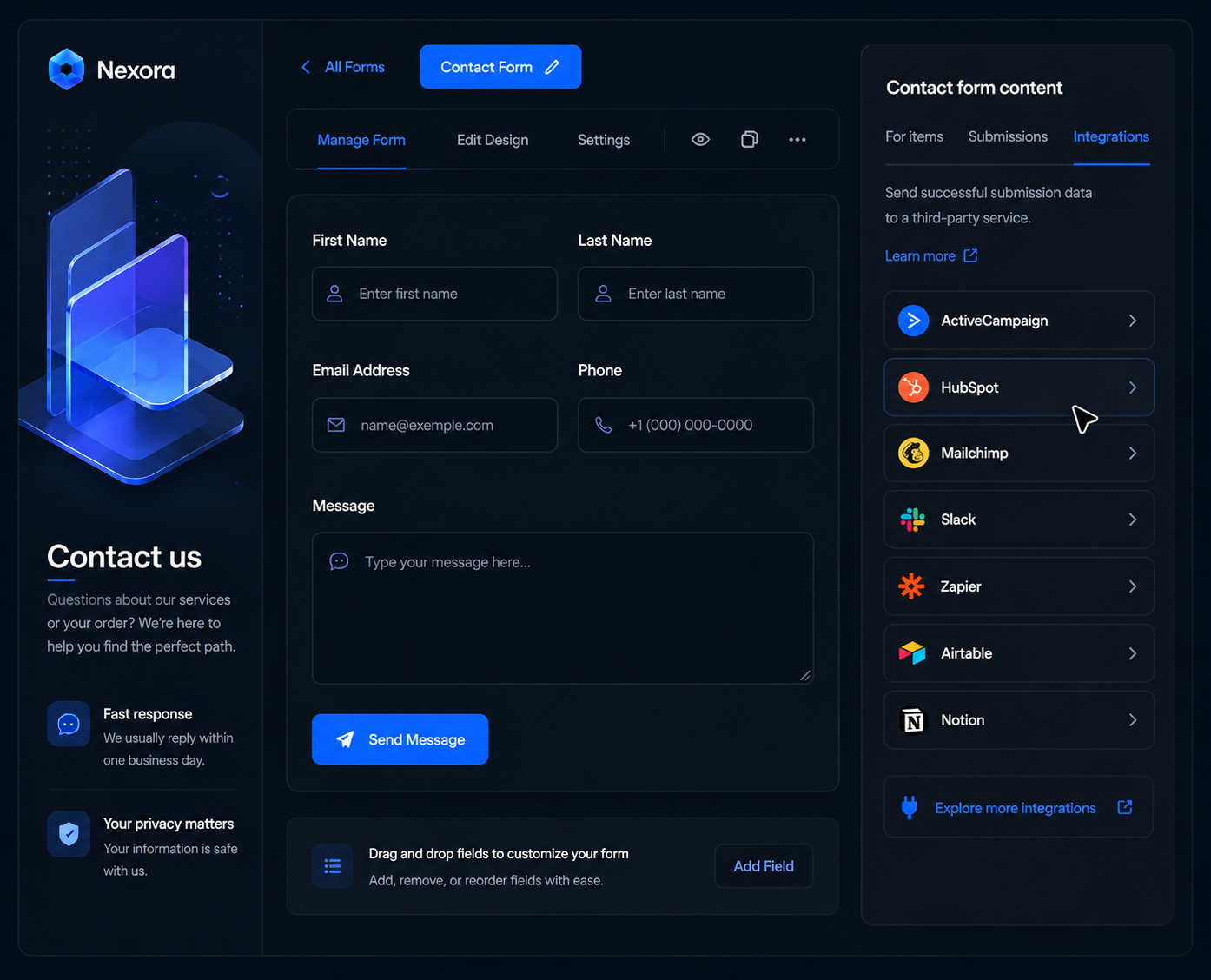
Transmit form responses, purchases, and other site data to your favorite third-party tools.
Learn more 🡢
Eliminate busy work
Update content, generate pages, manage users, and more with the click of a button.
Learn more 🡢
Do more with AI
Further accelerate your workflow with the power of Ascendence's AI Assistant.
Learn more 🡢
Build more with a streamlined workflow
Create powerful automation routines unique to your team’s workflow and customer data, unlocking serious efficiency gains and growth potential.
Drag, drop, delight
Build pixel-perfect sites with an intuitive drag-and-drop editor packed with time saving features like universal themes, reusable custom assets, and so much more.
Rock-solid infrastructure
Publish sites you can depend on with ultra-reliable AWS hosting, enterprise-grade security, automatic backups, and no technical ongoing maintenance.
Discoverable by design
Rank higher while working smarter with Ascendence’s integrated SEO Overview dashboard, out-of-the-box best practices for AI search, auto-generated schema, and more.
eCommerce made easy
Transform client sites into money makers in minutes with super customizable first-party solutions for membership and eCommerce.
Build more with a streamlined workflow
Create powerful automation routines unique to your team’s workflow and customer data, unlocking serious efficiency gains and growth potential.
Sync data
Connect your own CRM or database to your Ascendence site to automatically update content or dynamically create pages.
Operate your store
Use advanced eCommerce APIs to sync inventory data between systems, respond to new purchases, and more.
Respond to triggers
Use webhooks and zaps to create trigger-based workflows based on new form submission, site comments, and more.
Integrate your favorite tools
Install connectors to automatically sync data between your Ascendence site and your favorite third-party tools.
What can automation do for you?
Accelerate site creation
Build more sites with less effort, faster too—all without compromising on quality.
Install apps
Install apps on one site, or all of them, with the click of a button.
Create sections
Add pre-designed sections to existing sites via API.
Generate pages
Add new pages to sites and site navigation outside of the editor.
Manage clients
Create users, assign sites, grant permissions, collect feedback, and more..
Configure domains
Connect sites to domains and configure SSL certificates.
Streamline authentication
Create client and team member accounts via API, or enable SSO authentication.
Publish blogs
Import blog posts via RSS or upload and publish articles via API.
Standardize design
Use global themes and design variables to design sites at light speed.
Sync business data
Enable two-way synchronization between a site and Google My Business.
Embed tools
Use custom widgets to embed your software in client sites automatically.
Automate reporting
Send site statistics and performance reports to clients hands-free.
Learn from top Ascendence
customers
"We went from one account manager managing 10 websites to one person handling hundreds effortlessly"
Ruan Marinho, Owner and SEO Director at Develomark
Read customer story 🡢
"Now that we can put websites out faster and more efficiently, every website hits the bottom line, which we love"
Josh Irons, River Avenue Digital
Read customer story 🡢
"Building sites in as little as 10 minutes from existing customer data"

Read customer story 🡢
128% increase in efficiency thanks to automations via Ascendence’s API
Read customer story 🡢
FAQ
What are Instant Sites and how do they work?
Instant websites use information from prospects or existing accounts to quickly create a Ascendence website, which can help increase PPC and organic campaign conversions by offering instant previews when a lead form is filled out. Learn more about Instant Sites.
What are Dynamic Pages and how do they work?
Dynamic Pages enable you to design a page once and use it to create multiple pages. Each one displays different content based on items in a 3rd-party dataset (including Google Sheets & Airtable and your own database). Learn more about Dynamic Pages.
What types of pages can be created at scale with Dynamic Pages?
Dynamic Pages is the ideal solution for creating websites that contain multiple pages with the same structure but different content, or building multiple landing pages under one site domain.
- Real estate listings
- Team member profiles
- Recipe pages
- Review and listing sites
- Portfolios
- Brand locations
- Landing pages
- Product, part, or service catalogs
What is Connected Data?
Connected Data allows you to connect site widgets to data that is maintained in external sources and/or inside the site’s Content Library. This enables you to have one source of truth to build websites more quickly, keep websites up-to-date and accurate, ensure site-wide consistency of important information, and more.
When sites widgets are connected through Connected Data, you no longer need to manually change the data in each of the widgets as they are controlled through the Content Library. Learn more about Connected Data.
How do I get access to Ascendence’s API?
API access is available with a custom plan. Schedule a call with our team, so we can get to know your business and create a custom solution for you. Learn more about our API.